Webflow Development
Advanced Webflow builds for marketing sites and landing pages — pixel-perfect, fast, and fully editable without a developer.
The Opportunity
A marketing site shouldn't depend on a developer
Every text change that waits for a developer costs momentum. A Webflow build hands the content back to the team: pages, blog posts, and case studies are edited visually, published instantly — no tickets, no deploys.
Pixel-perfect doesn't have to mean slow
Webflow makes it possible to match the design down to the pixel while keeping clean semantic markup, fast load times, and technical SEO in order — a site that looks high-end and performs like it.
An admin panel your team actually enjoys
Webflow's Editor is a visual admin panel: click on a text or image right on the page, change it, hit publish. No CMS training, no fear of breaking the layout — anyone on the team can keep the site up to date.
Speed out of the box
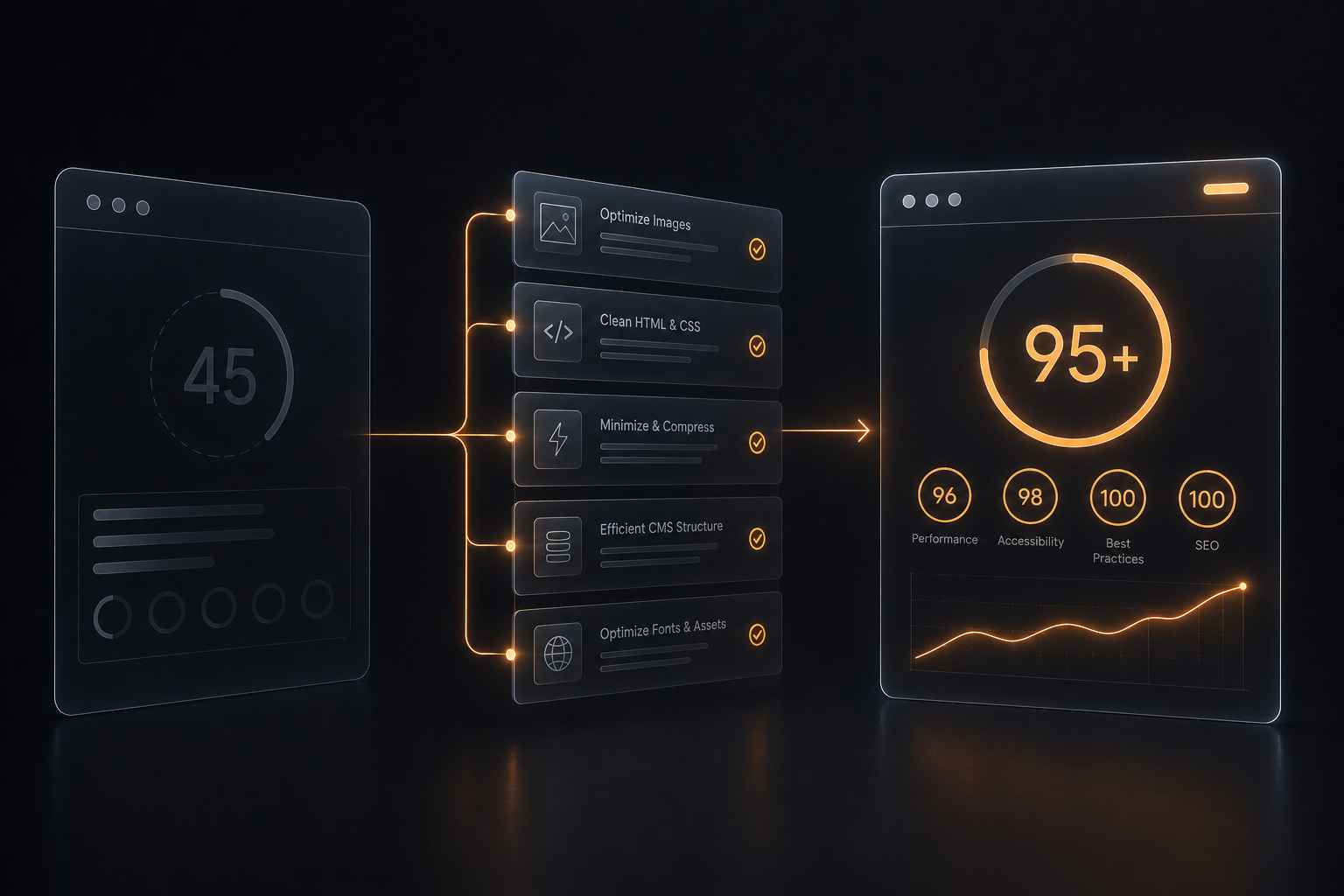
Webflow hosting runs on a global CDN with automatic image optimization and no plugin bloat — pages load fast without months of performance tuning, which pays off directly in SEO and conversions.
Built-in multi-language support
Webflow Localization lets the site speak several languages natively — localized texts, images, and SEO per locale, managed in the same visual editor without duplicate projects or fragile plugins.
Solutions & Capabilities
Pixel-Perfect Webflow Build
The design implemented exactly as approved — spacing, typography, and breakpoints match the Figma file.
CMS Architecture
Blog, case studies, and other dynamic content structured as CMS collections your team edits without touching the layout.
Interactions & Animations
Scroll effects, hover states, and page transitions built natively in Webflow — meaningful motion, not decoration.
Custom Code Integrations
Clean custom code where Webflow's native tools end: forms, analytics, third-party APIs, and fine-grained effects.
SEO & Performance
Semantic structure, meta data, redirects, and image optimization set up so the site is fast and indexable from day one.
Stages of Work
Free consultation
A call to walk through the project and pin down what's actually needed before any work starts.
Contract & deposit
A contract is signed and a 50% deposit is collected — work begins right after.
Design & content intake
Collecting the approved Figma file, texts, and media — plus a review of the design for build feasibility.
Project preparation
Variables, styles/classes, and components transferred from Figma into a clean Webflow project structure.
CMS collections
Blog, case studies, and other dynamic content structured as CMS collections, ready for the team to fill.
Full site build
The whole site built pixel-perfect with all responsive breakpoints and animations where needed.
Forms & localization
Forms wired up and tested.
Transfer, domain and SEO
After full payment, the finished project is transferred to your Webflow account, the domain is connected, and all SEO and technical settings are completed.
Content editing guide
A walkthrough for you and/or your team member on how to edit content on the live site yourselves.
Outcomes
The project ends with a live, pixel-perfect Webflow site: responsive on every device, fast and SEO-ready, with CMS collections your team edits without a developer. The project is transferred to your Webflow account with a clean class structure and a short training session — you own it completely.
Pricing
Basic
from $500
Landing page on Webflow
- 1 page, up to 8 sections
- Responsive across all breakpoints
- Basic interactions & animations
- 1 revision round
- Delivery in ~1 week
Standard
from $1000
Multi-page marketing site
- Up to 6 pages
- CMS collections: blog, cases, team
- Scroll & hover interactions
- 2 revision rounds
- Delivery in ~3 weeks
Premium
from $2500
E-commerce or complex site
- Unlimited pages & CMS collections
- Webflow E-commerce setup
- Custom code & API integrations
- Unlimited revisions
- Timeline scoped per project
FAQ
Can I edit the site myself after launch?addremove
Yes — that's the point of Webflow. Texts, images, blog posts, and CMS items are edited visually in the Editor and published instantly. A short training session is included in every package.
Do I need to pay Webflow separately?addremove
Yes. Hosting is a Webflow site plan paid directly to Webflow (roughly $14–39/mo depending on the plan; e-commerce plans cost more). The build cost here doesn't include the subscription.
I don't have a design yet — can you handle that too?addremove
Yes. Web design is a separate service here, and design + Webflow build can run as a single track: same process, one contract, no handoff friction.
What about custom functionality Webflow doesn't support?addremove
Clean custom code covers most gaps: forms, analytics, third-party APIs, and advanced effects. If the project is closer to a web application, frontend development (Next.js) is the better fit — and it's also on the menu.
How does payment work?addremove
On smaller projects it's a 50% deposit and 50% on delivery. On larger projects payment can be split into stages — per page or per sprint — so you pay as approved work is delivered.
Who owns the Webflow project?addremove
You do. After the final payment, the project is transferred to your Webflow account — full access to the design, CMS, and code, with no lock-in to future services.

Order Webflow development
Tell us about the project - within 3 days you'll get a commercial proposal with an approximate timeline, cost, and plan.