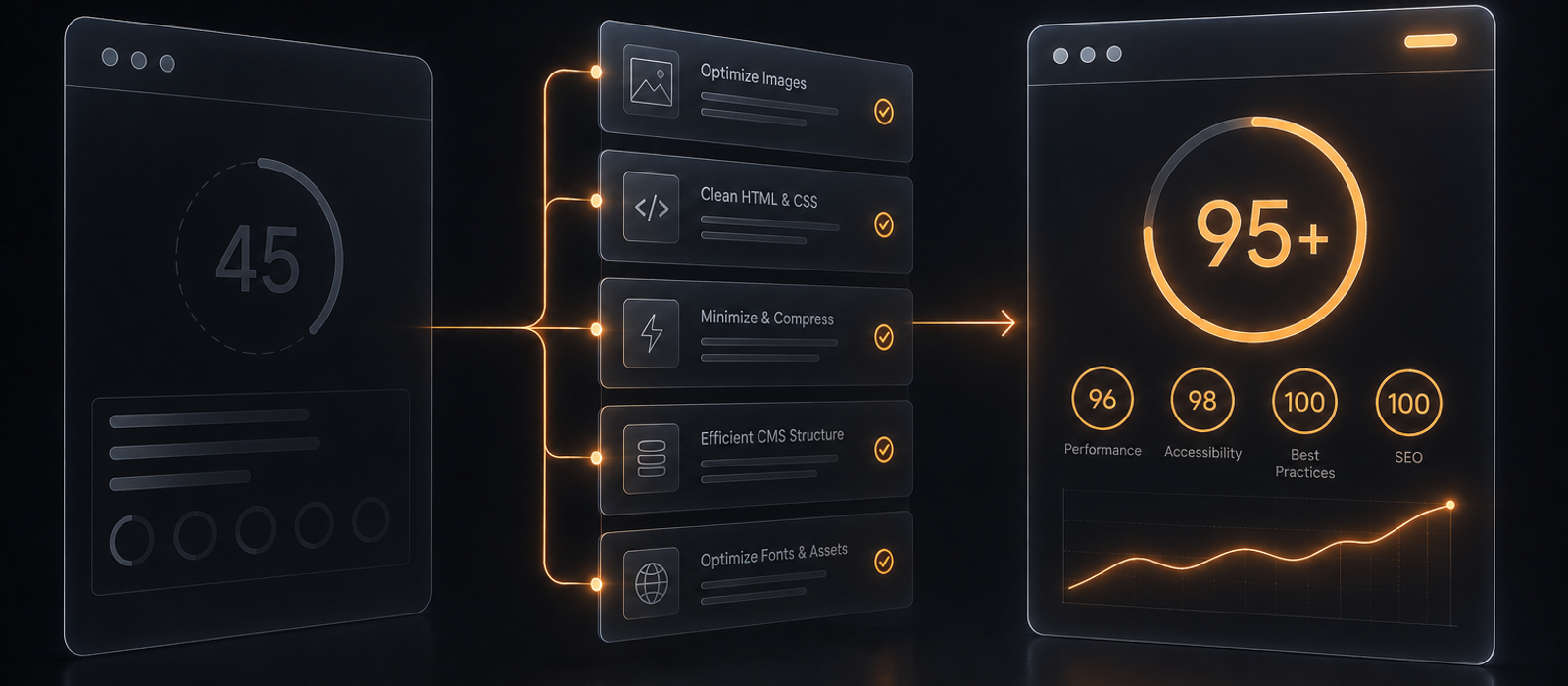
The Silent Cost of a Slow Webflow Site
A polished Webflow build can still fail its most important test: how fast it actually feels to a real visitor. Marketing teams pour weeks into copy, layout, and animation, then watch bounce rates creep up and wonder why.
The uncomfortable truth is that being built in Webflow doesn't automatically mean being fast. Heavy images, unused fonts, third-party embeds, and ambitious animations can quietly drag a beautifully designed site into the red zone on every performance report.
A low Lighthouse score isn't just a vanity metric. It tracks closely with higher bounce rates, lower conversion rates, and, increasingly, with search rankings themselves.
What a Lighthouse Score Actually Measures
Lighthouse doesn't grade a single thing. It combines several metrics that each capture a different moment of a visitor's experience:
- LCP (Largest Contentful Paint) - how long it takes for the main content to appear
- CLS (Cumulative Layout Shift) - how much the page jumps around while loading
- TBT / INP - how responsive the page feels when someone actually tries to click something
- FCP (First Contentful Paint) - how quickly something, anything, shows up on screen
A 95+ score means every one of these is under control at once, not just the easiest one to fix.
Where Webflow Sites Usually Lose Points
The platform gives you a strong technical foundation, but it doesn't protect you from the choices made on top of it. The same handful of culprits shows up again and again:
- Oversized or uncompressed images, especially hero sections and video backgrounds
- Too many font weights and families loaded for a handful of headings
- Third-party scripts, like chat widgets, analytics, and marketing pixels, stacking up quietly
- Heavy IX2 or GSAP animations that weren't built with layout stability in mind
None of these show up as a single obvious problem. They add up, and the score drops in increments most people never notice until it's already low.
Check Your Own Score First
Before assuming anything about your own site, it's worth seeing the actual number. Two free tools give a reliable read:
- PageSpeed Insights - Google's own tool, straight from the source that sets the ranking signals
- GTmetrix - a more detailed waterfall breakdown of what's actually loading and when
Run the test a few times and check both mobile and desktop - they often tell very different stories, and mobile is usually the one that matters most.
The Good News: These Problems Are Fixable
None of this requires rebuilding the site from scratch or touching the design. Most of what drags a Webflow site's score down comes down to the right sequence of technical fixes: image handling, font strategy, script cleanup, and animation tuning, done properly.
If you'd rather skip the guesswork, reach out for a performance audit and we'll show you exactly what's holding your score back, and what it would take to fix it.