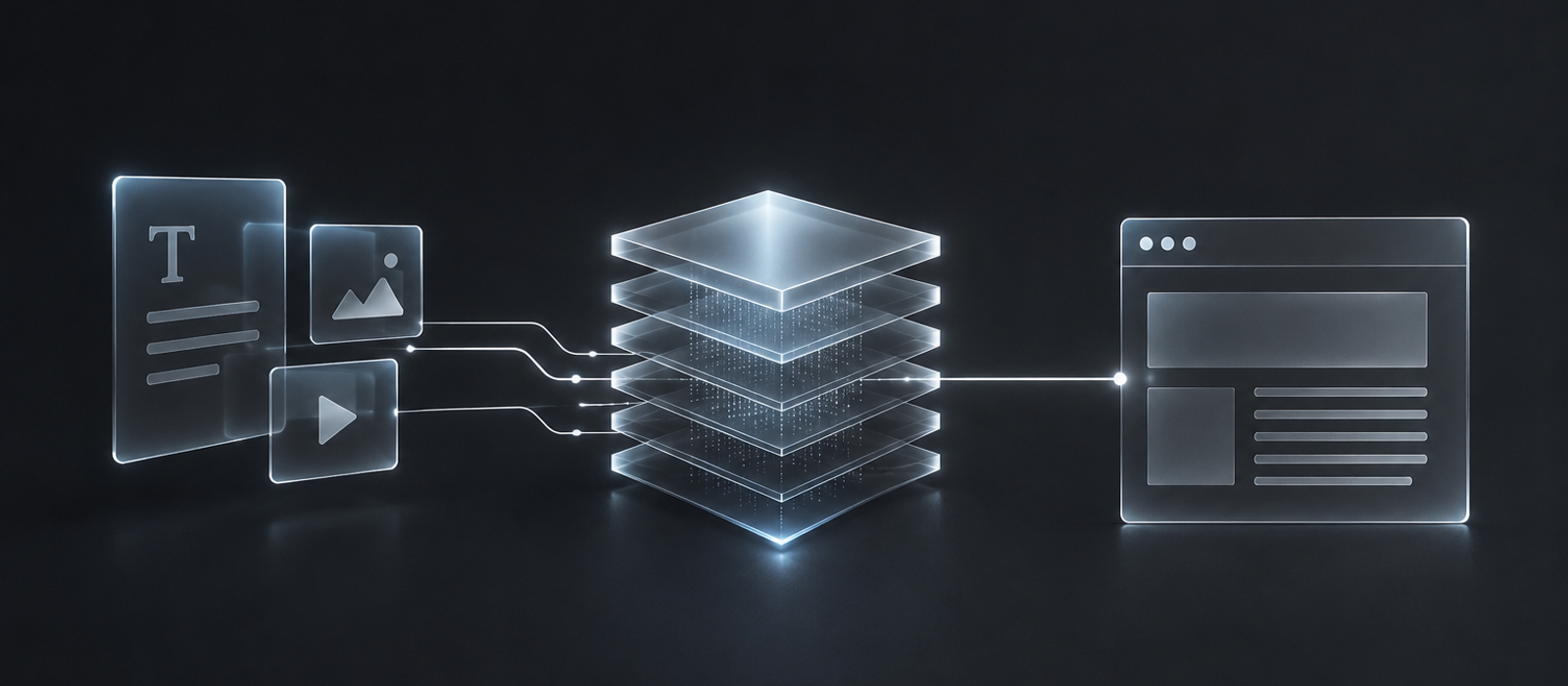
What "Headless" Actually Means
"Headless" just means the content lives separately from how it's displayed. Instead of a CMS that also renders the pages, the content sits in its own system and gets pulled into whatever frontend requests it - a website, an app, a kiosk screen, all reading from the same source.
That separation is genuinely useful in the right situation. It's also infrastructure a lot of marketing sites pay for without ever needing.
When a Marketing Site Doesn't Need One
If the content only ever shows up on one website - a blog, case studies, a team page - a headless CMS adds a second system, a second bill, and an API layer connecting them, for a benefit nobody's using.
Webflow's built-in CMS already gives editors structured content types, drafts, and a clean editing interface - without the extra layer. For a single marketing site, that's the whole job done.
When It Genuinely Earns Its Keep
The calculation flips once the same content needs to power more than one thing - a website and a mobile app, a website and a partner API, several regional sites sharing one product catalog. One content source feeding all of them beats maintaining copies by hand.
It also earns its place when the content model is genuinely complex - deeply relational data, custom workflows, or a frontend built outside a site builder entirely. At that point the separation is doing real work, not just adding a step.
Whichever Way It Goes
If a marketing site is the whole picture, Webflow Development keeps content editing simple without an extra system to maintain.
If the content genuinely needs to reach more than one place, that's exactly what Frontend Development is built around - a Next.js frontend wired to a headless CMS that scales with the content model.
Not sure which side of the line a project falls on? Get in touch and we'll figure it out together.