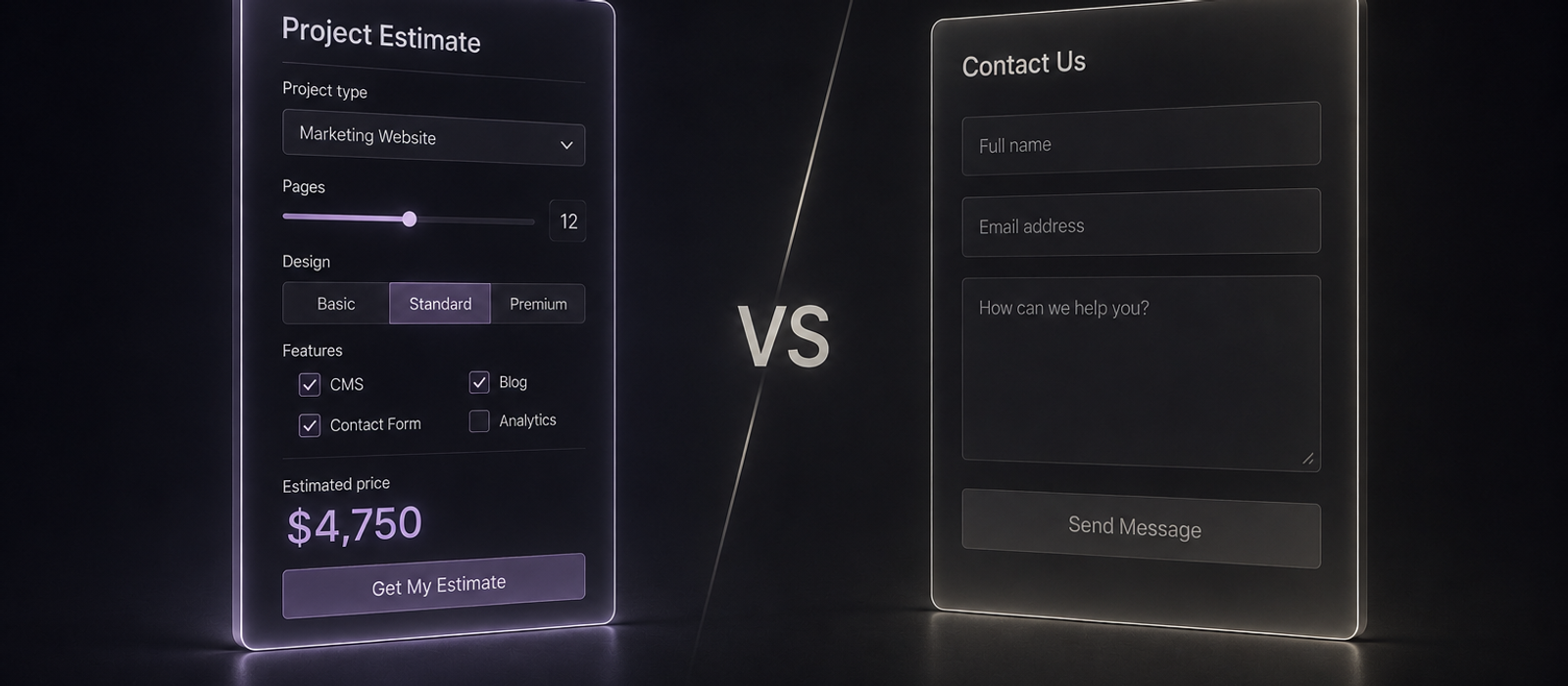
The Wall Behind Every ‘Contact Us’ Form
A "Contact Us" form asks for a lot before it gives anything back. Name, email, a message box staring blankly, and the vague sense that clicking submit means starting a sales conversation you're not sure you're ready for.
Most visitors don't fill it out. Not because they aren't interested, but because the form asks for commitment before it offers any value in return.
A calculator flips that order. It asks for a few clicks, gives back a real answer, and only then asks for contact details, once the visitor already has something they want to keep.
Why a Few Clicks Change Everything
There's a simple reason a few clicks change someone's willingness to share their contact details: once a visitor has answered a couple of questions, they've already invested something. Walking away now means throwing that away, so they keep going.
The result also feels personal in a way generic page copy never does. "Your estimated payment is $1,240" reads completely differently from "contact us for a quote," even when both lead to the same conversation.
It Happened on Our Own Projects
We've seen this pattern play out on our own projects, not just in theory.
On Calori, a healthy food delivery service, visitors answer a short quiz and get a BMI-based meal plan recommendation before they ever see a price. By the time checkout appears, they're choosing a plan they already know fits them, not deciding whether to trust a stranger's contact form.
On Mrs... At Last, a wedding gift box subscription, a multi-step quiz replaces a plain product grid entirely. Customers build their box answer by answer, and the checkout at the end feels like the natural next step, not a cold ask.
What Makes a Calculator Actually Convert
Not every calculator converts. The ones that work tend to share a few habits:
- Two to four steps, no more, before a result appears
- Contact details asked for last, after the visitor has something they want to keep or act on
- A result that's specific and honest, not a vague range designed to force a phone call
- Answers flowing straight into the CRM, so the tool qualifies the lead instead of just entertaining the visitor
Built Into Your Site, Not Bolted On
None of this requires a custom app or a subscription to a widget builder. A calculator, quiz, or configurator can be built to live natively in your site, with results flowing straight into whatever CRM or inbox your team already checks.
That's what Custom Interactive Features covers - your formulas or quiz logic, designed into your brand, delivering qualified leads instead of blank contact forms.
If a "Contact Us" form is the only way to reach you right now, get in touch and let's talk through what a calculator or quiz could look like on your site.